
Connecticut Family Court Records
Connecticut family court records include case files tied to divorce, custody, support, paternity, and other family matters in the Superior Court system. This page explains how to search those records, where to request copies, and how to route county and city follow-up to the right court office. Start with statewide lookup and records-request tools, then confirm local judicial district details before submitting a file request. The sections below combine state procedures, court contact information, and image references captured during research so the process is practical and local.
State Request Process for Family Court Records
The Connecticut Judicial Branch is the primary source for family court records. The branch main office is at Connecticut Judicial Branch, 231 Capitol Avenue, Hartford, CT 06106. For disposed Superior Court files, requests are sent through the records center workflow on the court records information page. Research notes state that requests should include the case name and docket number, then be sent to SuperiorCourtRecordsCenter@jud.ct.gov. If you need help identifying a docket, the centralized services unit can be reached at 860-263-2750.
Family procedures and support resources are spread across the family matters page, the family FAQ page, and the family services directory. Those pages explain what appears in online summary views and what still requires a direct records request. The directions directory at https://jud.ct.gov/directory/court_directions.htm helps confirm the right courthouse before in-person follow-up.
Based on the research capture, delivery can be by email when file size allows, by pickup at a court location, or by pickup through centralized services. Some requests may require identification. If a case involves restricted content, only releasable material will be produced. For legal context, Title 46b and related confidentiality statutes should be reviewed before requesting sensitive records.
Online Tools and Legal References
Research identified three lookup channels: appellate lookup, Superior Court Civil/Family lookup, and probate lookup. Most family search activity begins with Superior Court indexing and then moves to direct requests for filed papers. Use these links in order: records request page, family page, FAQ page, family services directory, court directions, and then statutes for access limits.
- court records request page
- family matters portal
- family FAQ page
- family services directory
- court directions directory
- public records law library
- E-Services filing portal
- probate case lookup
- Title 46b family law
- C.G.S. 46b-11
Statutes that frequently affect access include C.G.S. 46b-11 (confidential family relations records), C.G.S. 46b-124 (juvenile matters), C.G.S. 17a-28 (DCF confidentiality), and C.G.S. 51-36 (retention and disposal of court records). These rules do not block all access, but they often control what is released in full and what is redacted.
Connecticut Family Court Records Source Images
For Connecticut, this source page at Records Info shows the official workflow and contact route.
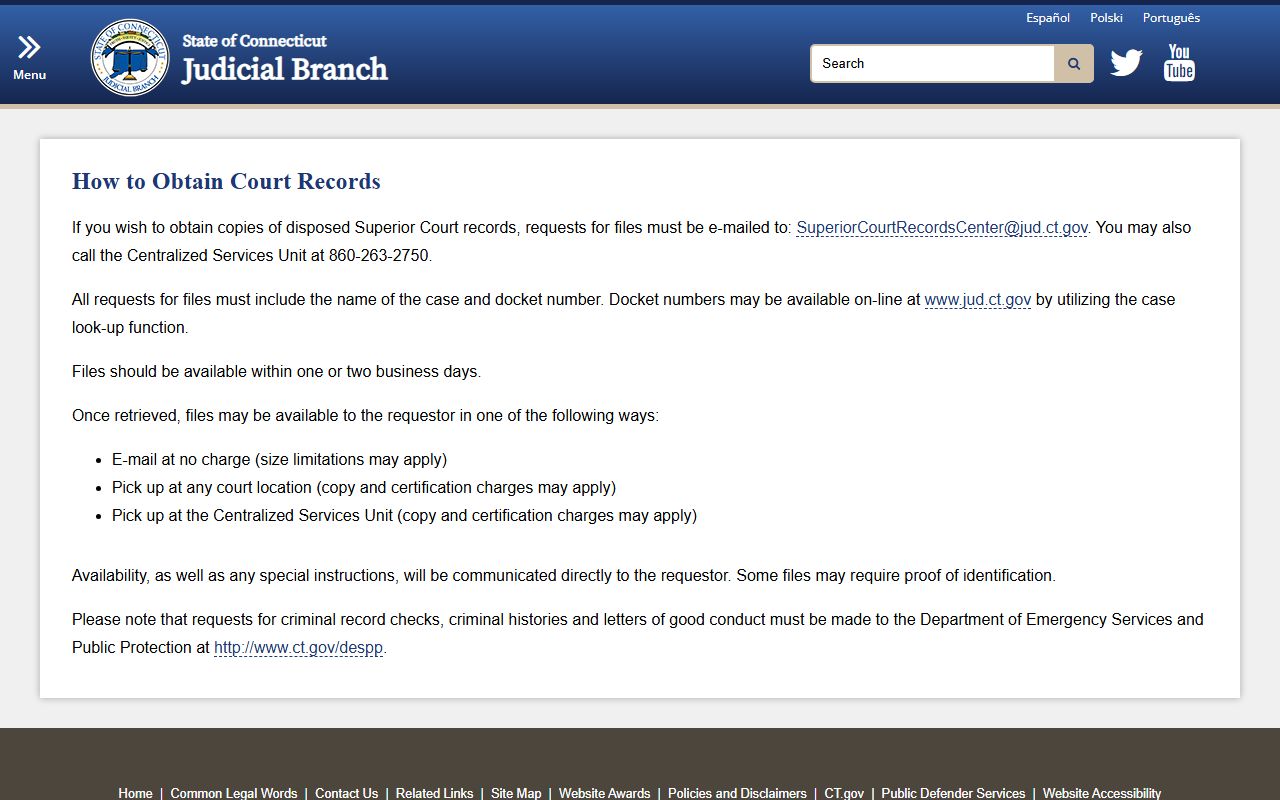
Use this reference to confirm where records requests should be sent and which local office handles follow-up.
For Connecticut, this source page at Family Hub shows the official workflow and contact route.
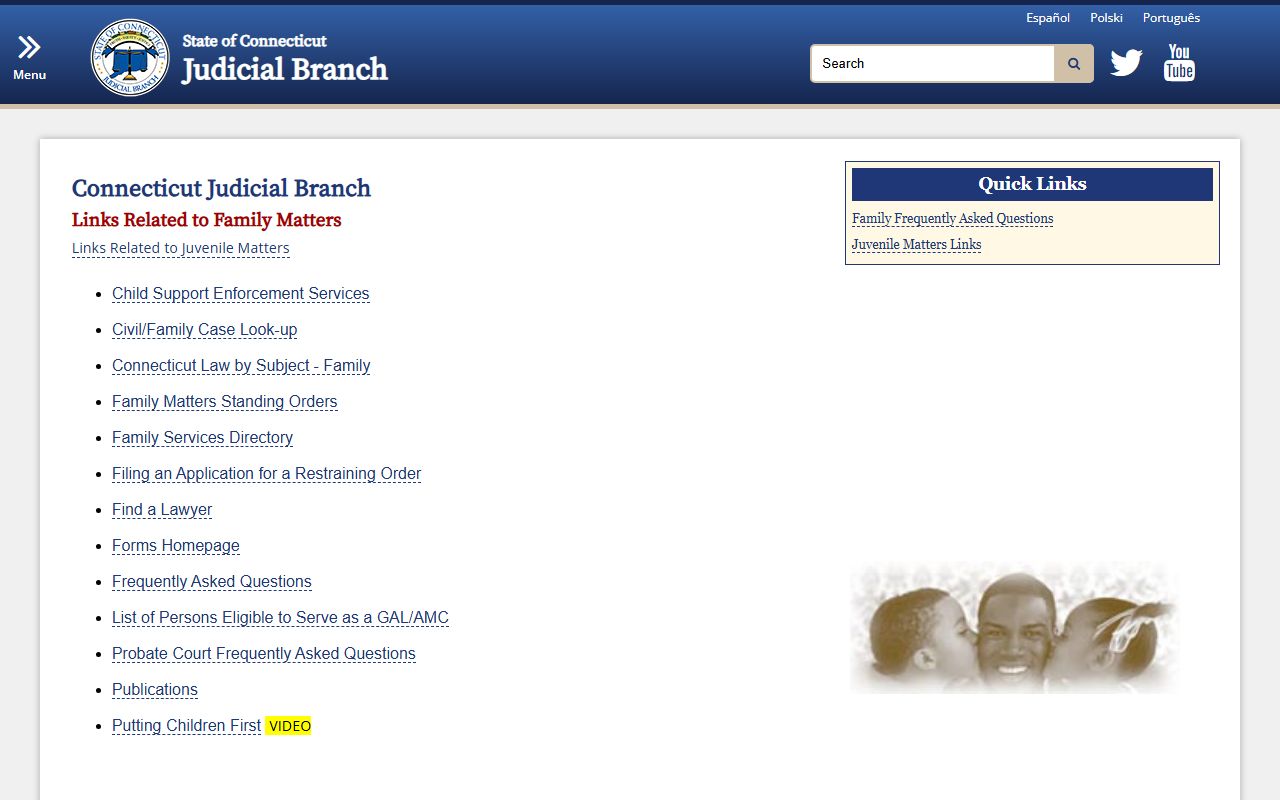
Use this reference to confirm where records requests should be sent and which local office handles follow-up.
For Connecticut, this source page at Directory shows the official workflow and contact route.
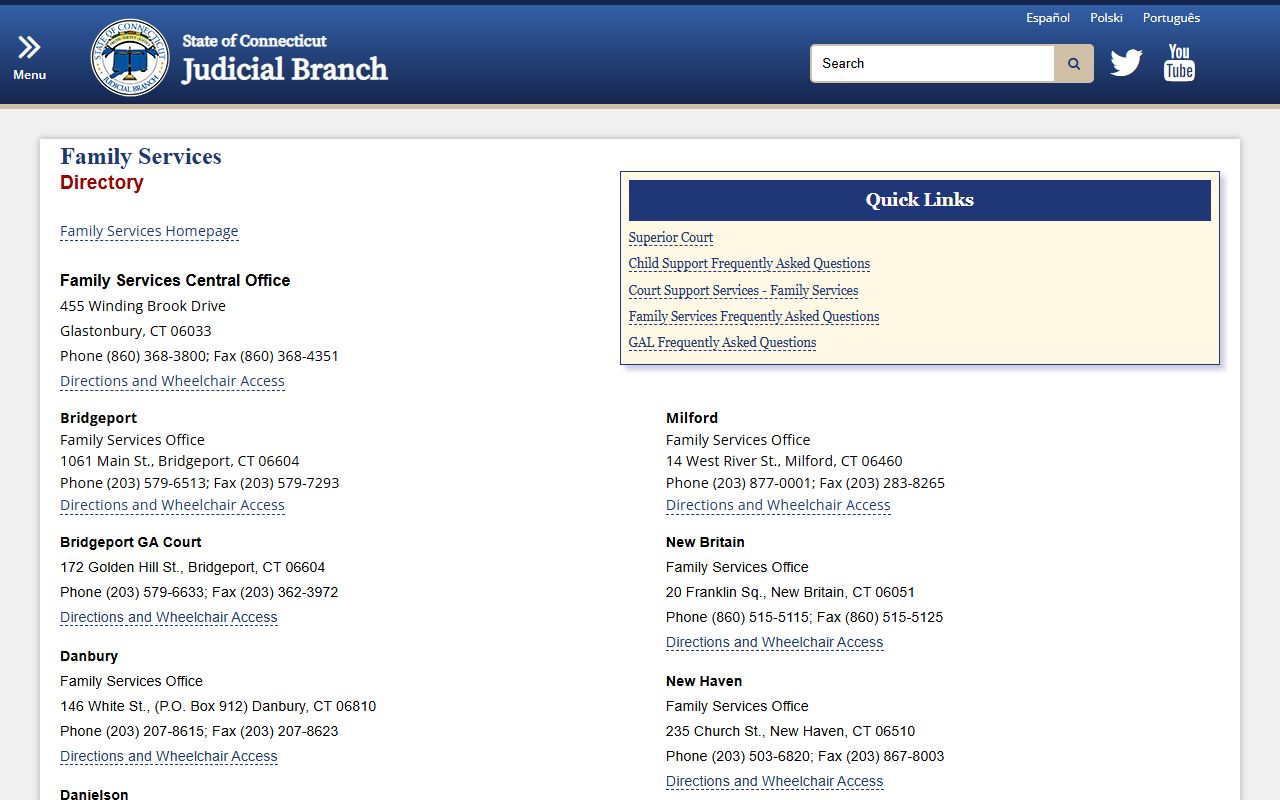
Use this reference to confirm where records requests should be sent and which local office handles follow-up.
For Connecticut, this source page at Directions shows the official workflow and contact route.
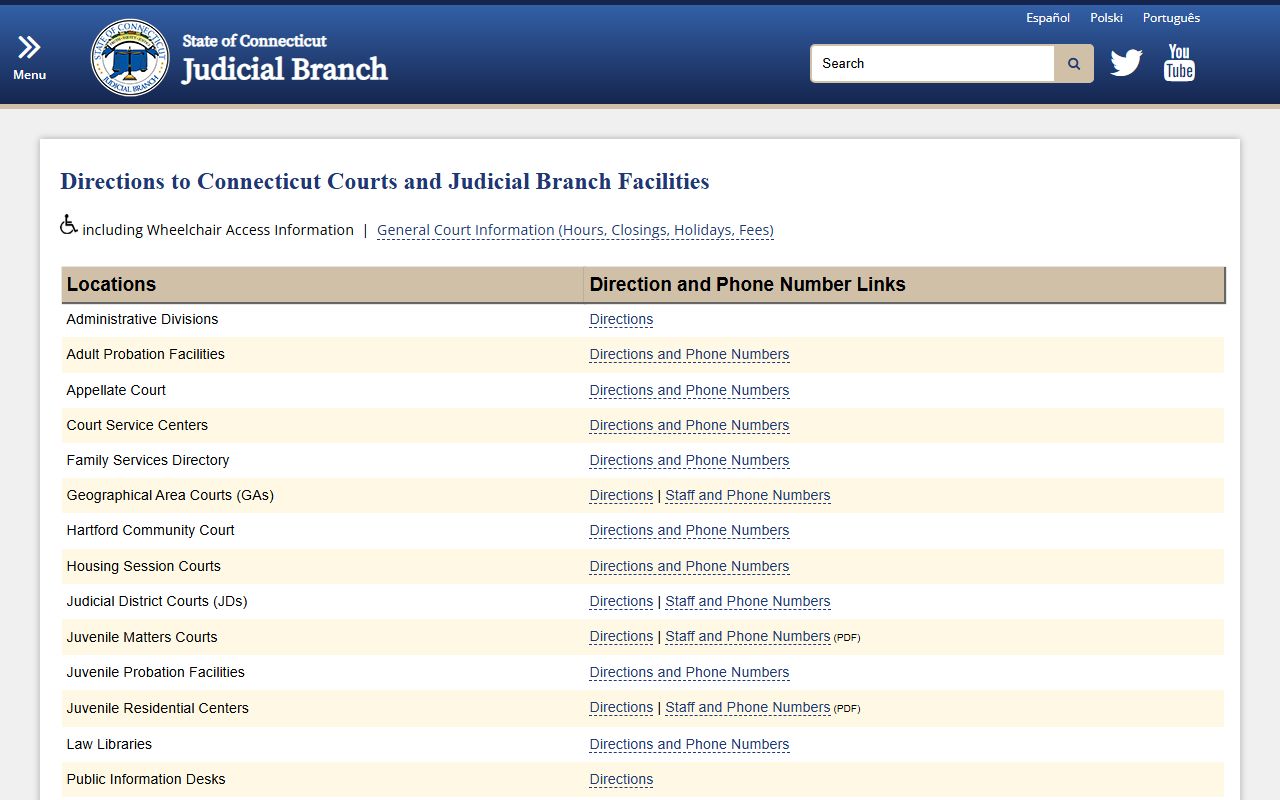
Use this reference to confirm where records requests should be sent and which local office handles follow-up.
For Connecticut, this source page at Public Records shows the official workflow and contact route.
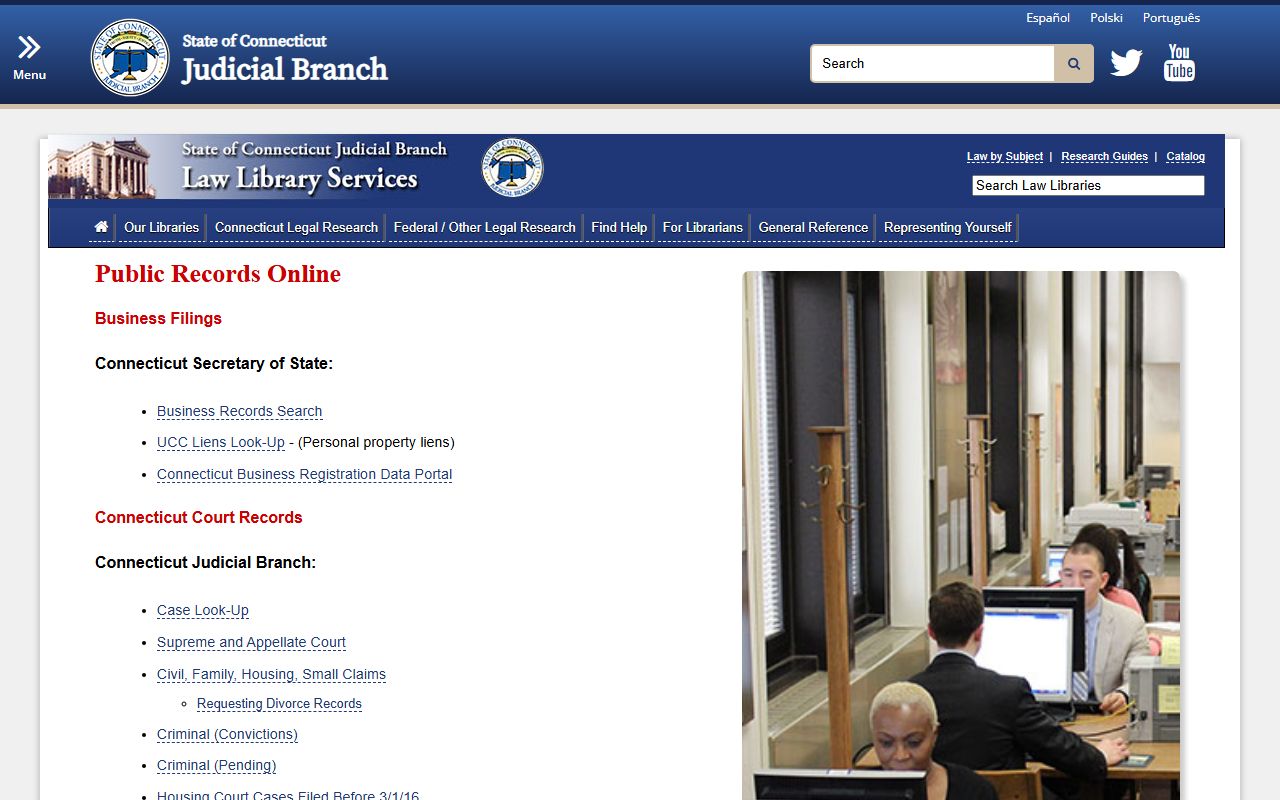
Use this reference to confirm where records requests should be sent and which local office handles follow-up.
For Connecticut, this source page at E-Filing shows the official workflow and contact route.
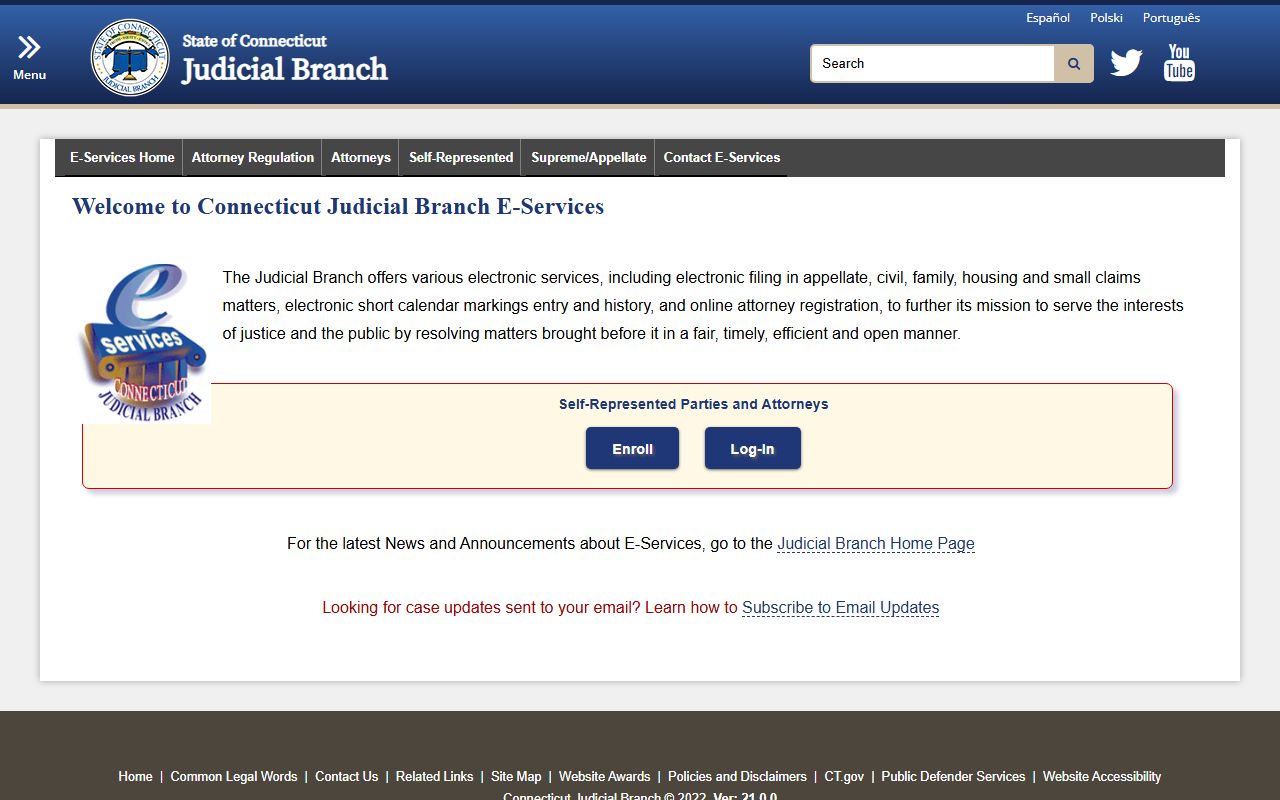
Use this reference to confirm where records requests should be sent and which local office handles follow-up.
For Connecticut, this source page at Probate Case Lookup shows the official workflow and contact route.
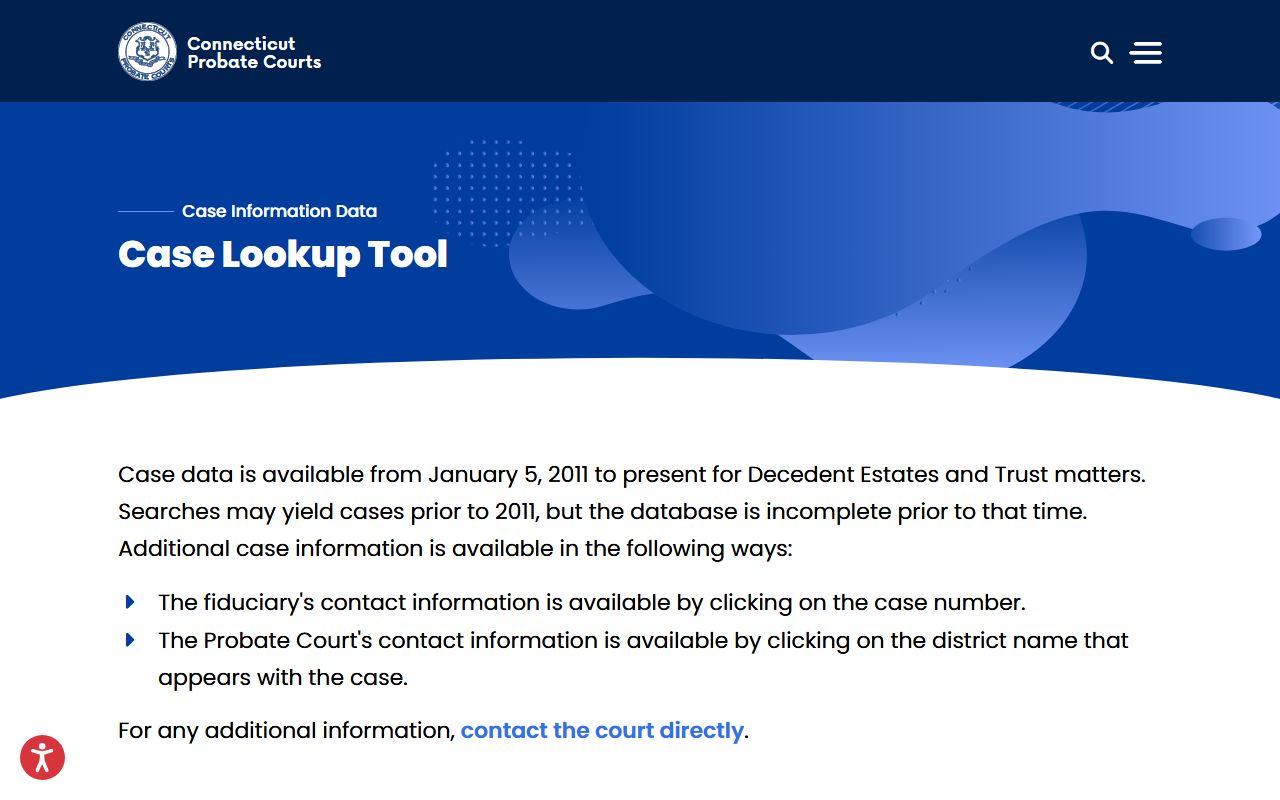
Use this reference to confirm where records requests should be sent and which local office handles follow-up.
For Connecticut, this source page at Family Law Statutes Title 46b shows the official workflow and contact route.
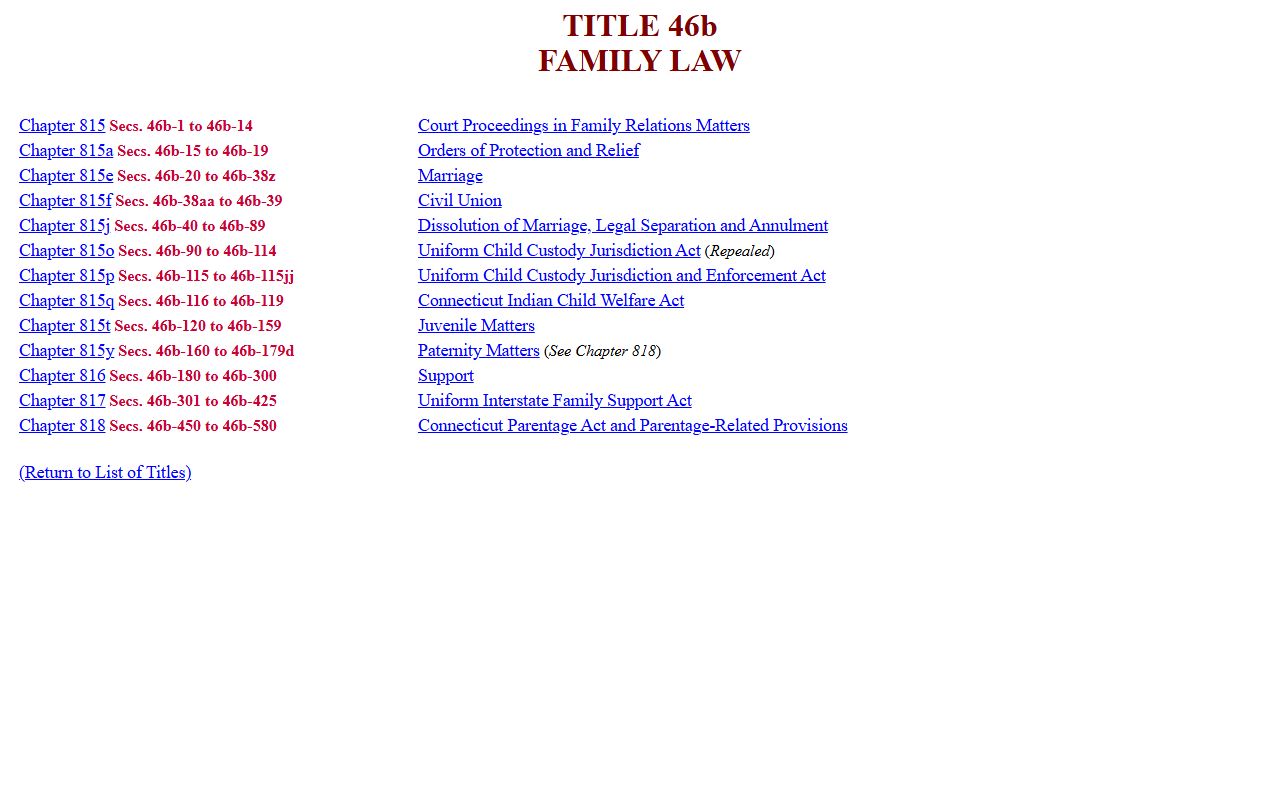
Use this reference to confirm where records requests should be sent and which local office handles follow-up.
Connecticut County Pages
County pages localize court contacts and image sources for each county-level judicial workflow.
Major City Pages
City pages cover all Connecticut cities above 25,000 population from the research list.